How to Enroll in Classes and Set Up Your Gingr Account
All class and training enrollment begins by clicking the blue “Fetch Your Spot” button on our website/program you are interested in. That button opens our Gingr system where you will create your account and request training.
Can’t Find the Button?
Click the “Fetch Your Spot” button below or use one of the options listed to access our Gingr portal directly.
Desktop Portal:
https://beardowndogtrain.portal.gingrapp.com
Mobile App:
Download “Gingr for Pet Parents”
When prompted for an invite code, enter: 366057
The portal link, mobile app, and “Fetch Your Spot” button all connect to the same enrollment system.
Create Your Account (DESKTOP VERSION)
Step 1 — Click “Fetch Your Spot”
Click the blue outlined button next to your desired class or service. This opens Gingr and begins registration.
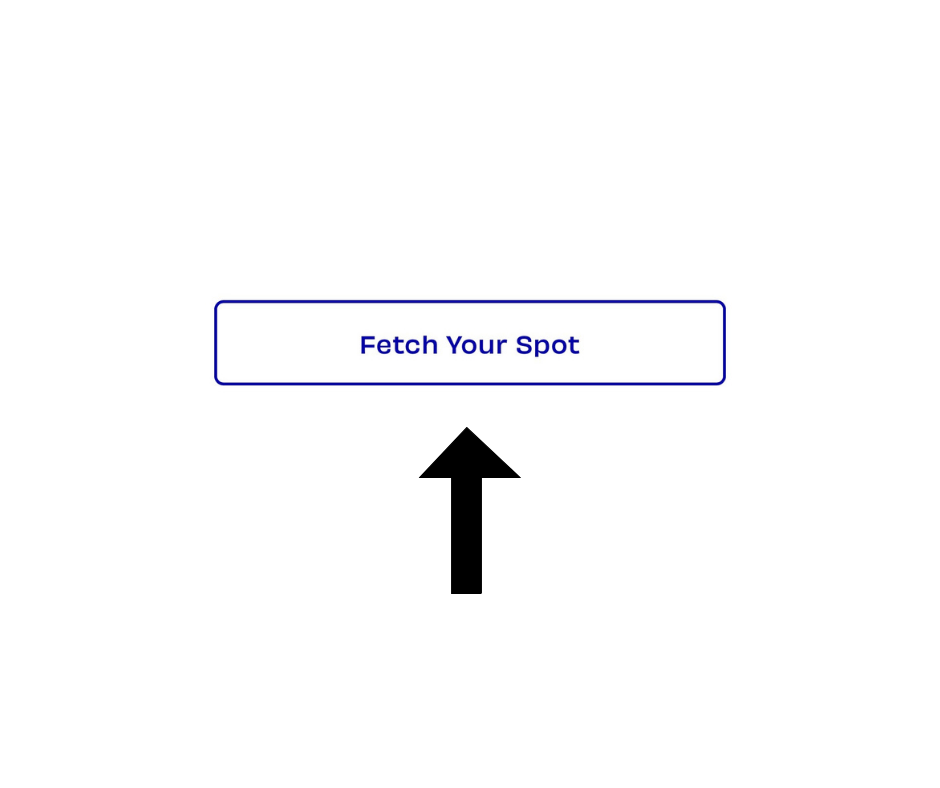
This is what the “Fetch Your Spot” button looks like on our website.
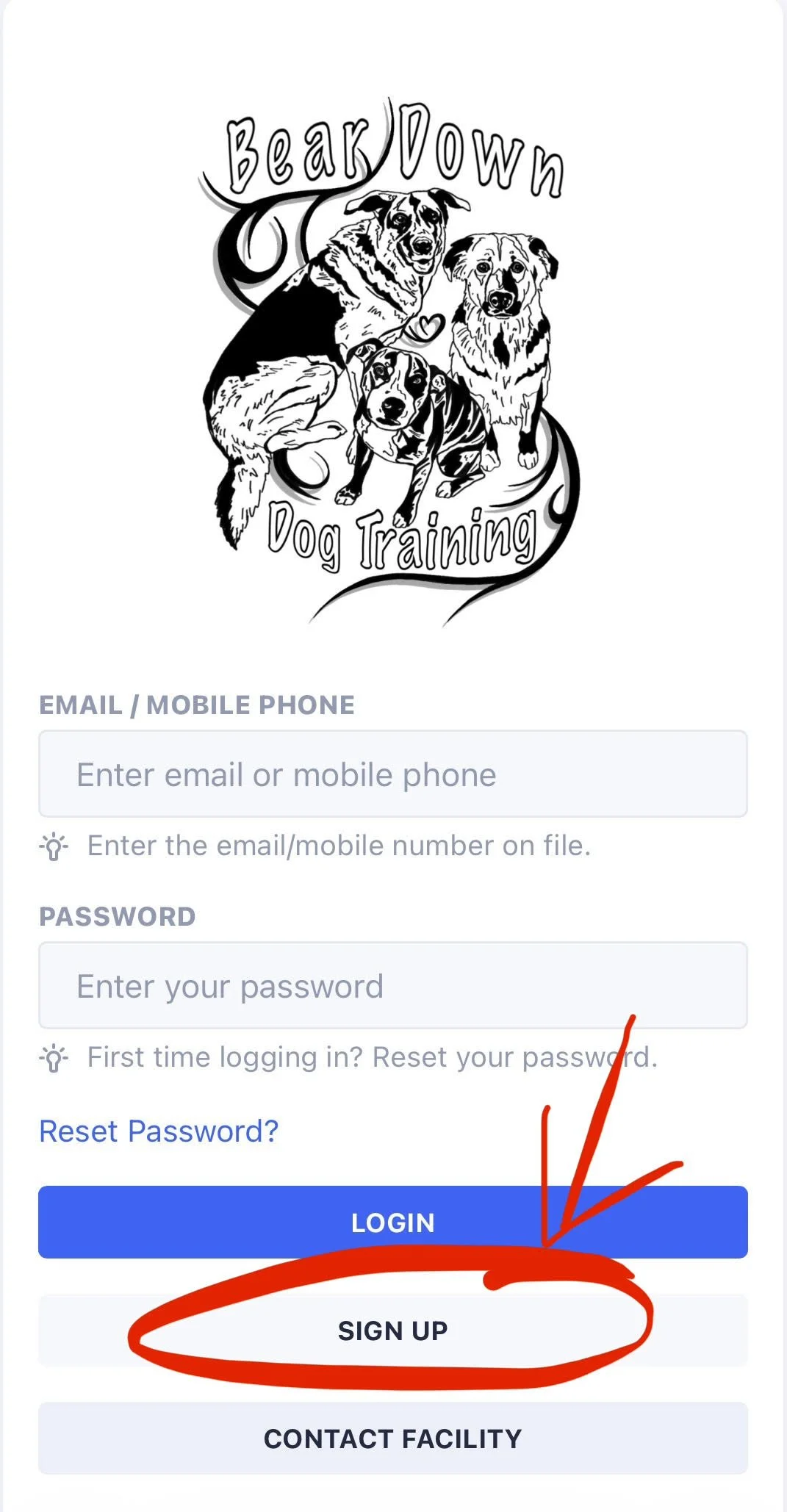
Step 2 — Create your account
Click Sign Up and enter:
• First and last name
• Phone number
• Email address
• Home address
• Emergency contact name and phone number
• Sign client waiver and photo/video release form
• Create a password
Use an email you check often. If it says your email already exists, click Forgot Password. Do not create a second account.
Step 3 - Click “Continue to Pets”
• Enter your dog’s information
• Each section with a red asterisk (*) must be completed before proceeding
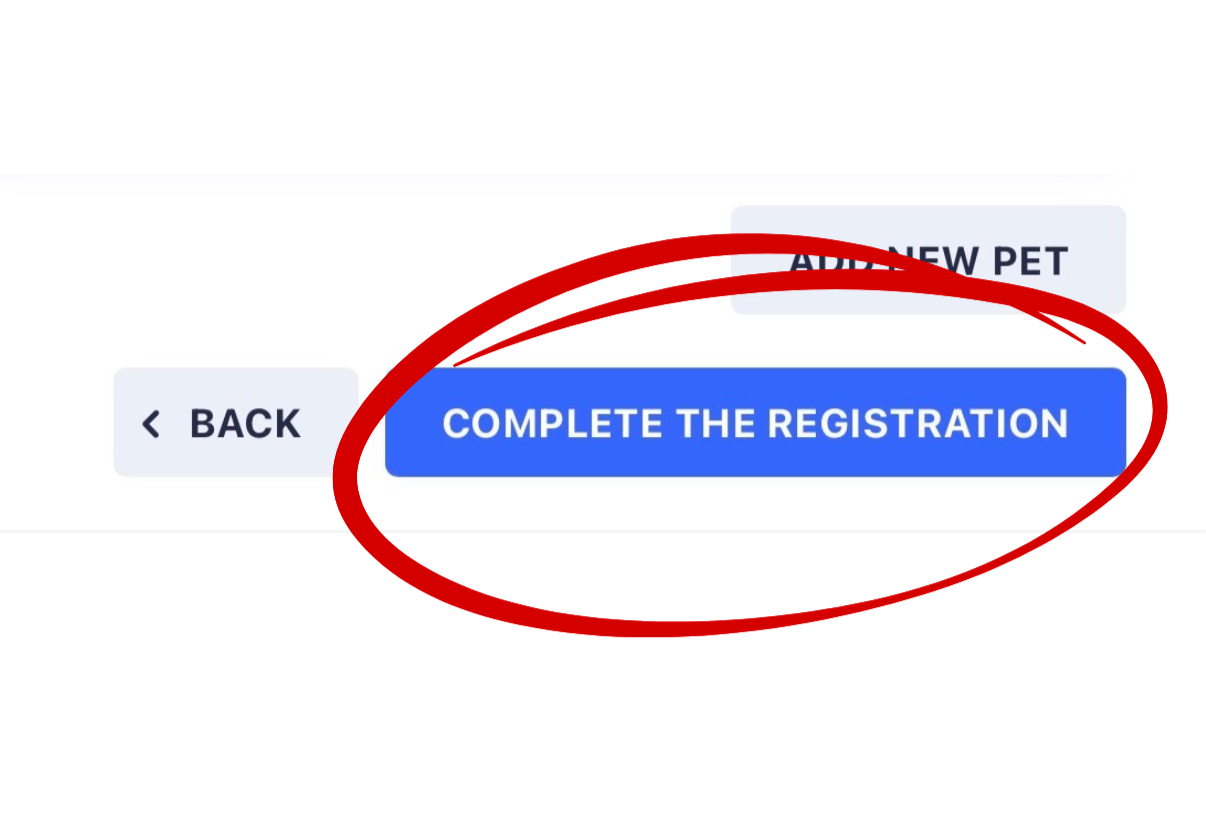
• When finished answering all questions, click “Complete the Registration”
Step 4 – Request Your Class
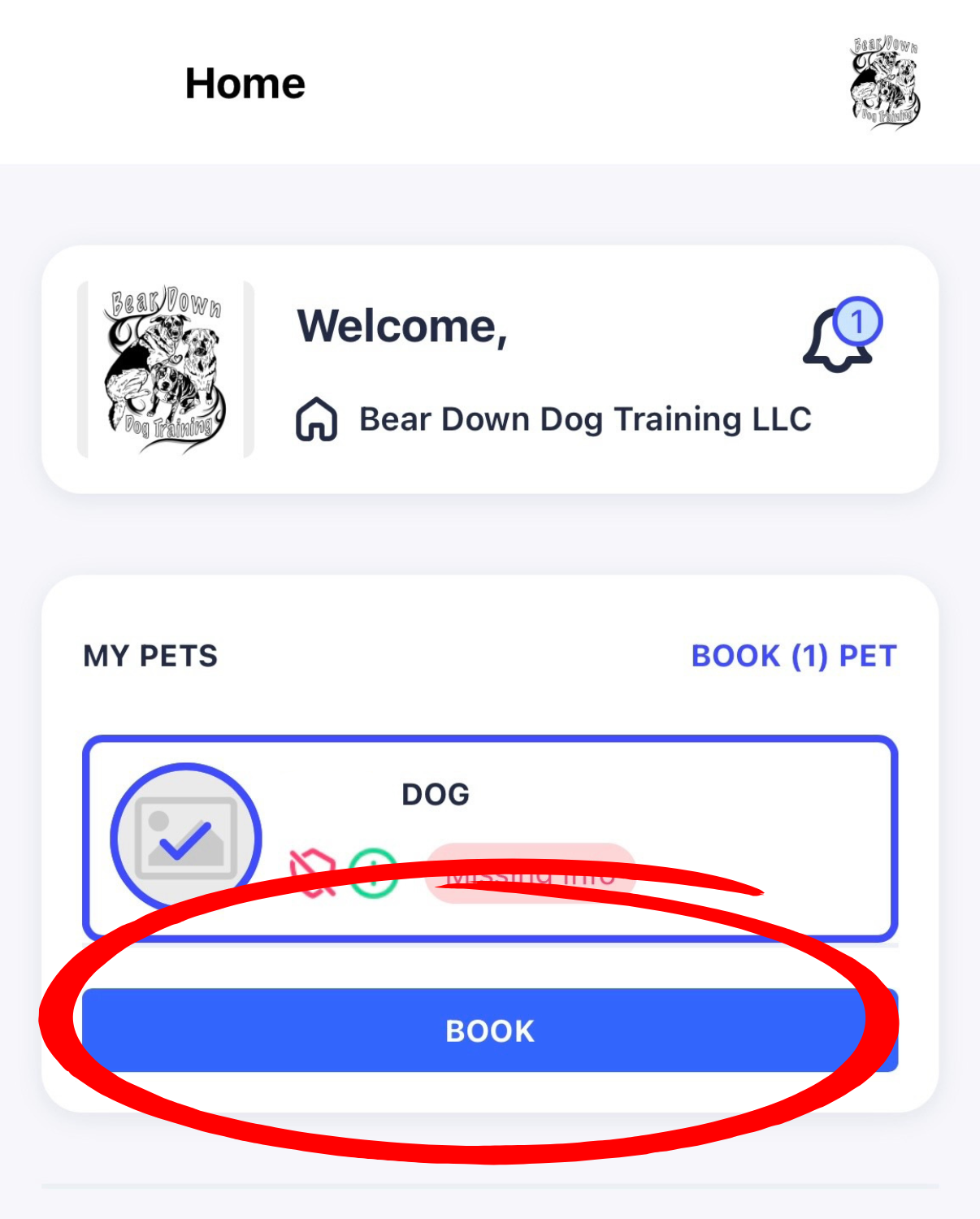
• Select your dog’s name
• Click Book
• Choose Group Training or Other depending on the service you’d like
• If selecting Group Training, scroll through the classes (listed alphabetically) or type the class name in the search bar
• Click on the class you would like to request
Double check the class title, date, time and instructor that you are signing up for is the one that you want.
Step 5 – Select Payment
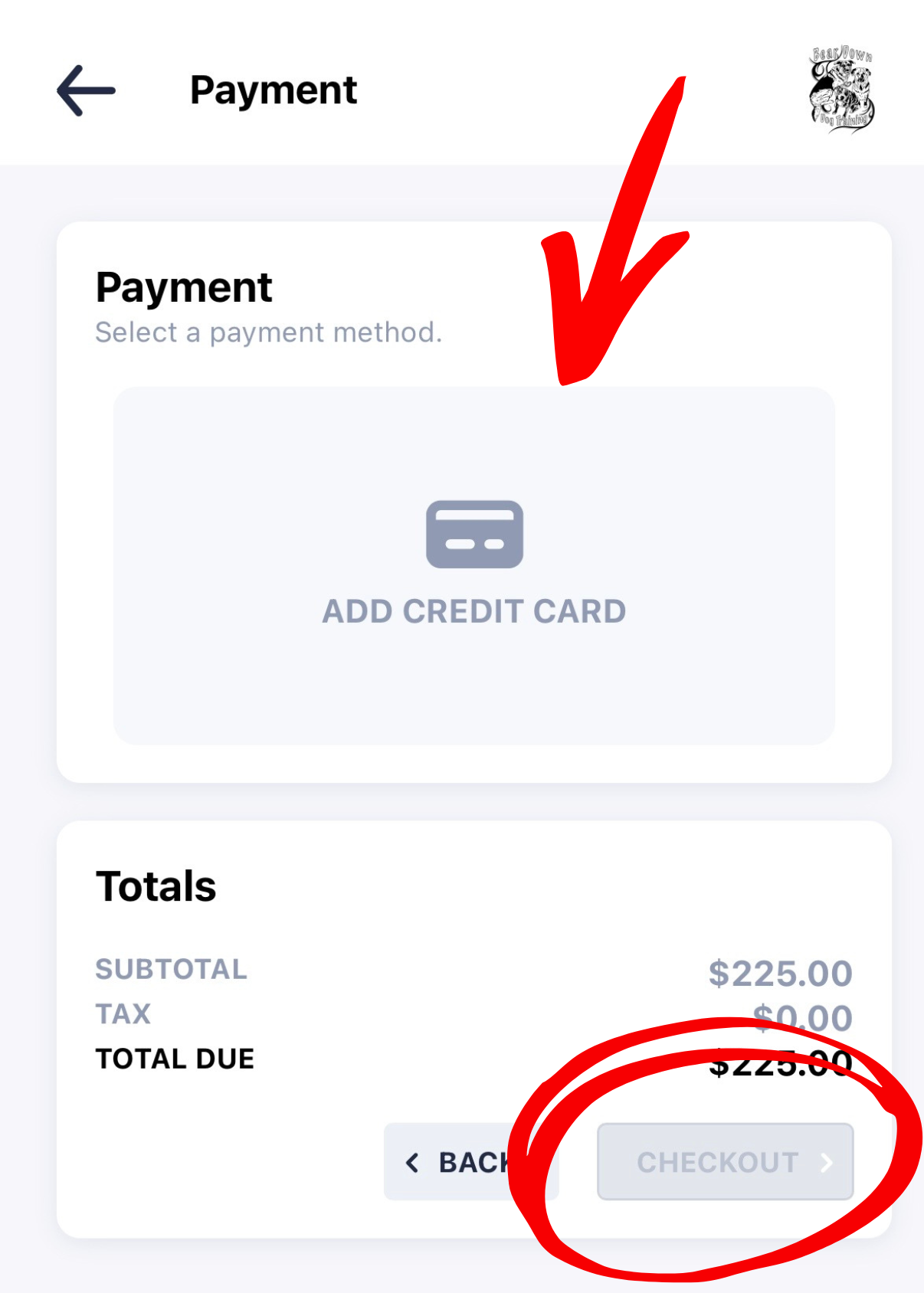
• Click Add Credit Card
• Enter your payment information
• Click Save to store your payment method
• Once you click Check Out, your registration is complete and you are officially signed up for class
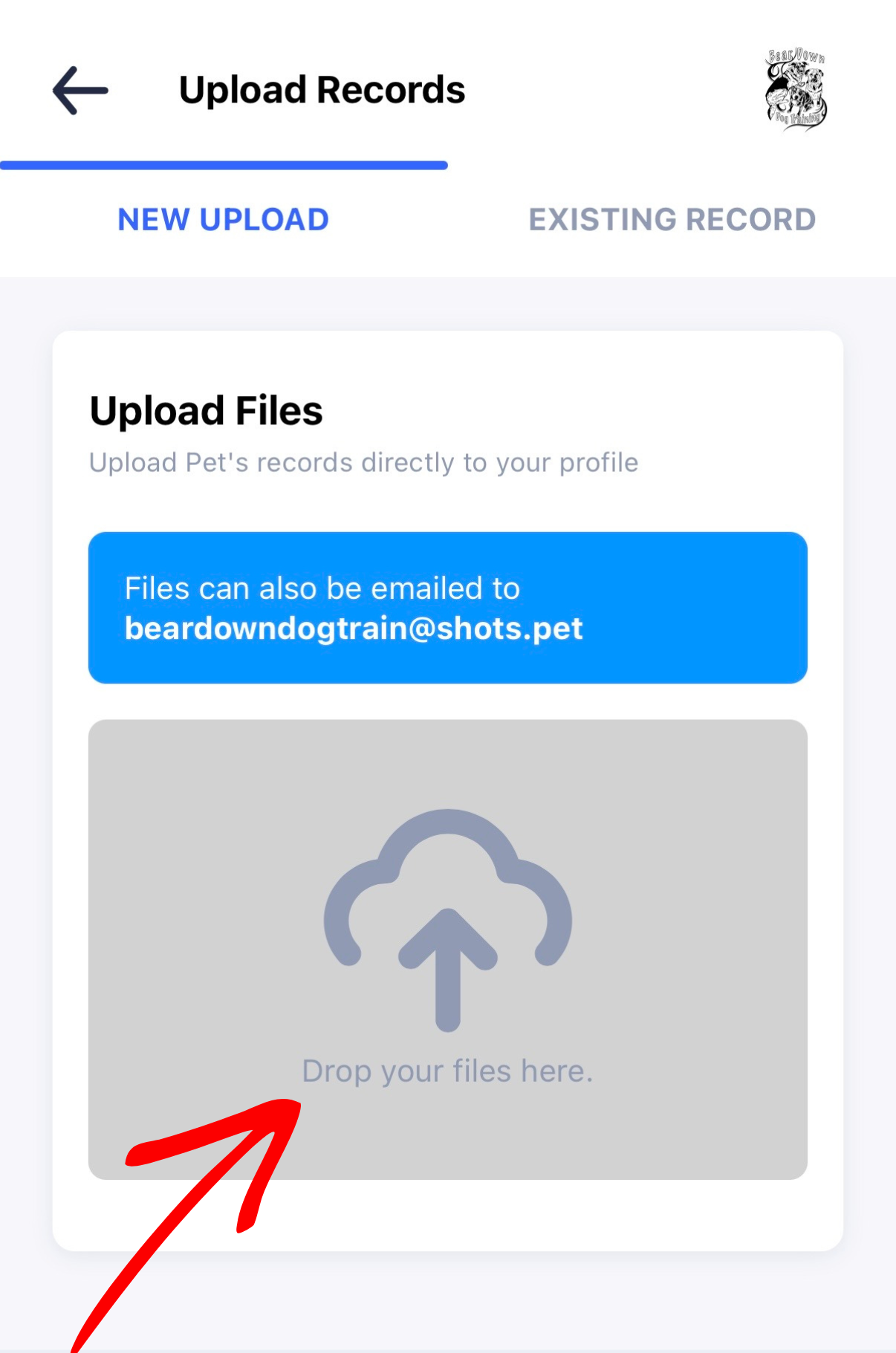
Step 6 – Upload Vaccines
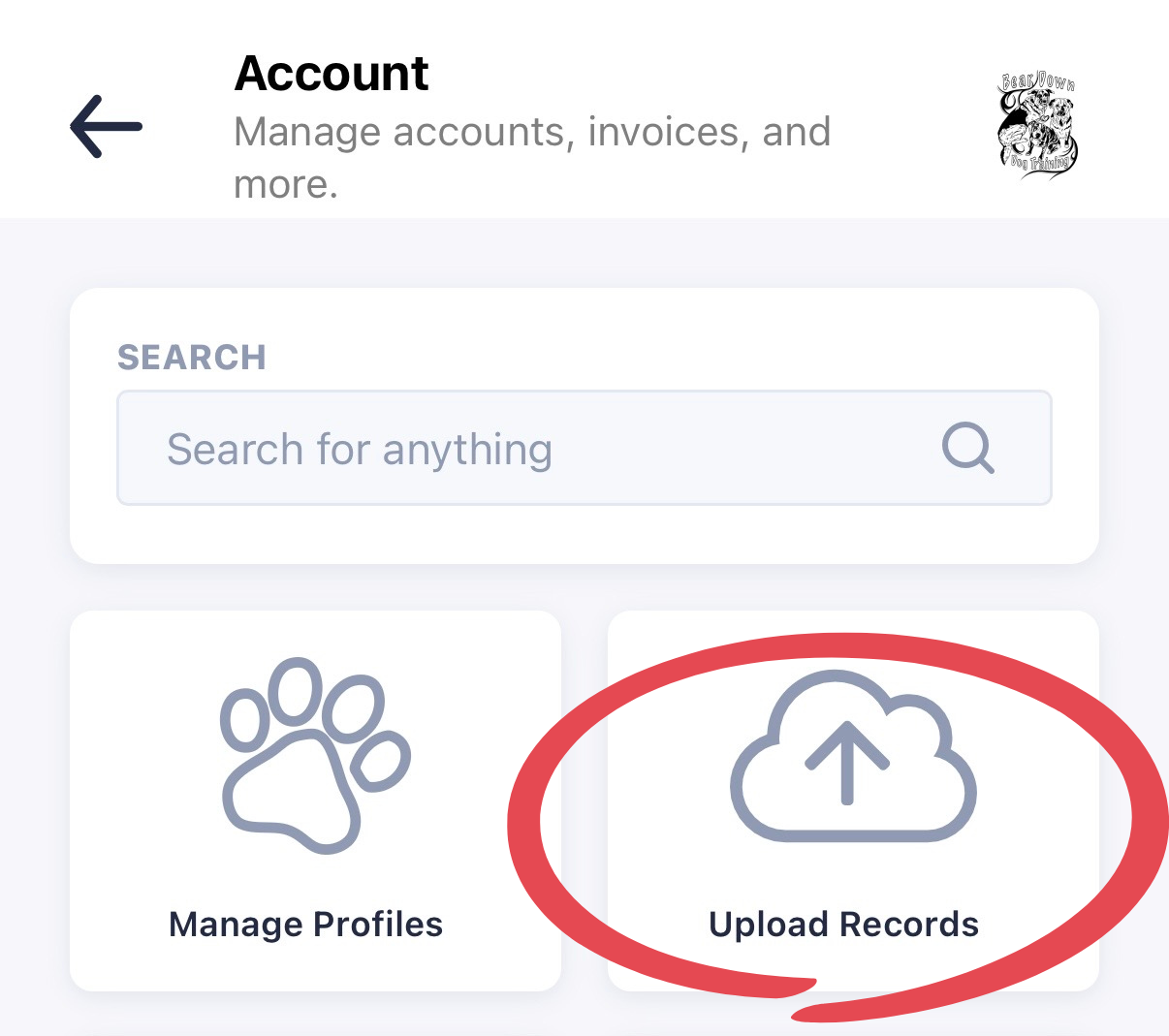
• Click Account on the left side of the screen
• Select Upload Records
• Click “Drop your files here” or drag your files into that section to upload
Required for all dogs:
• Rabies
• Bordetella
• Distemper
(Titers accepted)
Puppies must have age-appropriate Rabies and Distemper.
Upload a photo, screenshot, or PDF. You may also bring records to your first class.
Day Academy and Private Training
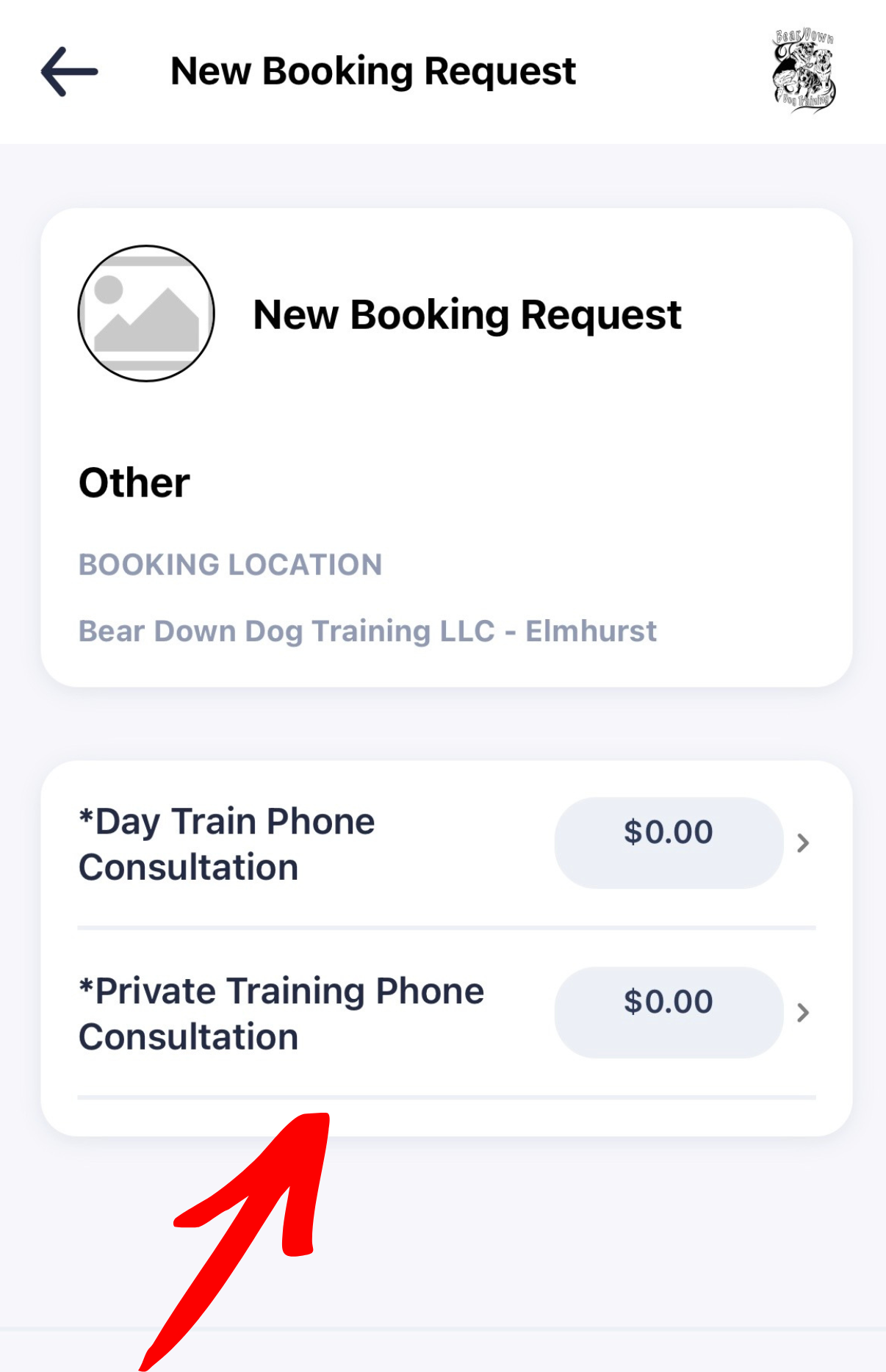
Day Academy and Private Sessions require a phone consultation before enrolling.
When logged into the Gingr home page:
• Select your dog’s name
• Click Book
• Click Other
• Select the consultation you need (Day Train or Private Training)
Requesting a consultation through Gingr before enrolling allows us to ensure the best fit for your dog and schedule.
Account and Login Help (FAQ’s)
Email already exists
Use “Forgot Password.” Do not create another account.
Log In Attempt Says “Sorry, we could not find your account”
Check that you added or removed any periods in your username.
For example, IndianaBones@gmail.com OR Indiana.Bones@gmail.com. With or without the period matters.
Can’t find classes
Make sure:
• You are logged in
• Dog profile is added
Desktop or phone?
Either works. Desktop is often easier for first-time setup.
Vaccine records
Upload in Gingr or bring to first class.
Still Stuck?
Email us: info@beardowndogtraining.com
Please include screenshots if possible so we can help quickly.